Case study
IMPACT
Intro
From proof of concept to a 2 year contract
Vantage came to our team for a proof-of-concept. They'd been trying out agencies and had a particular form experience that they wanted to test out, to no luck. In just a week, our proof-of-concept pitch converted into a year-long contract (which later extended to two). The project was ours, redesigning an entire facility management platform, all 14 modules, serving healthcare, corporate, education, government, and industrial sectors.
As point of contact (POC), this project soon became my crash course in designing for scalability, managing stakeholder expectations, respectfully challenging requirements, and coordinating across teams while keeping everything on track.
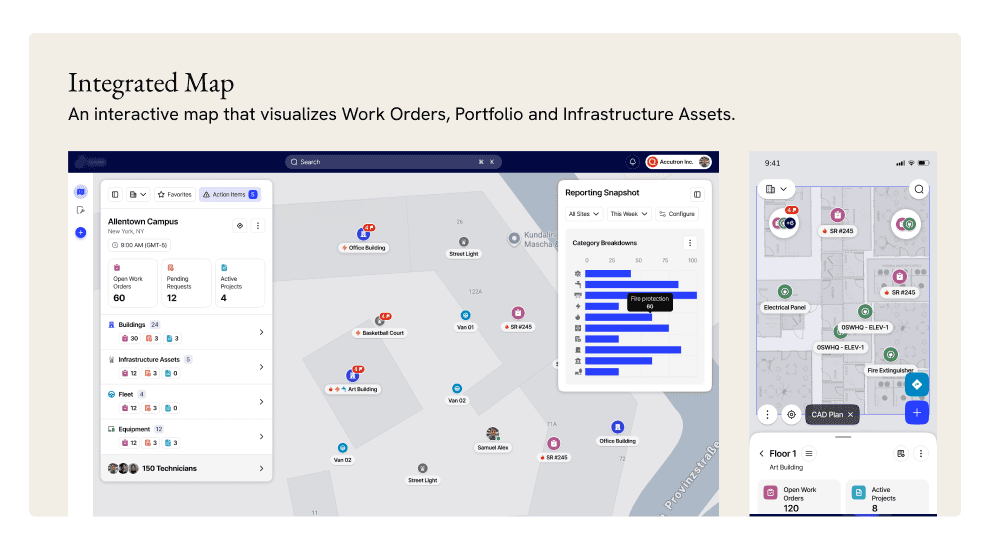
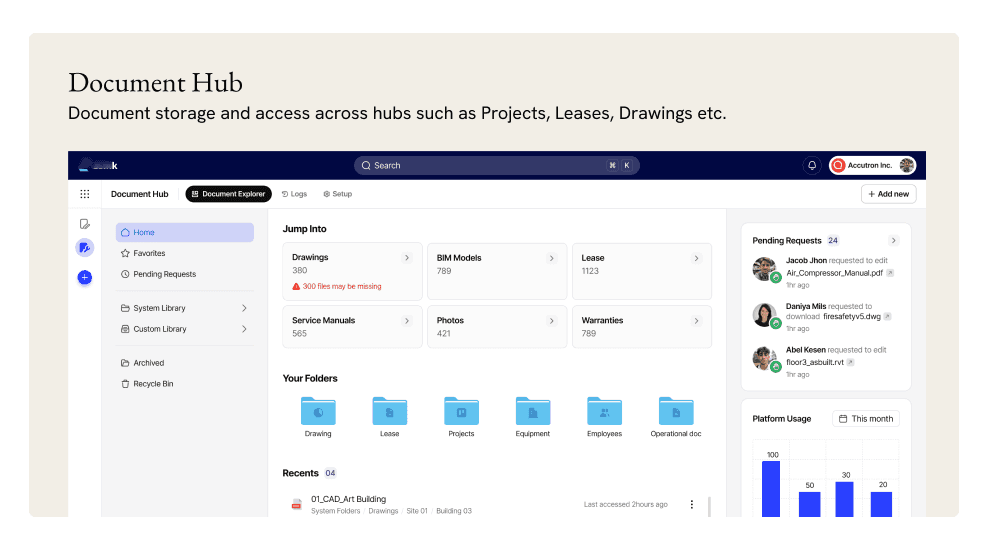
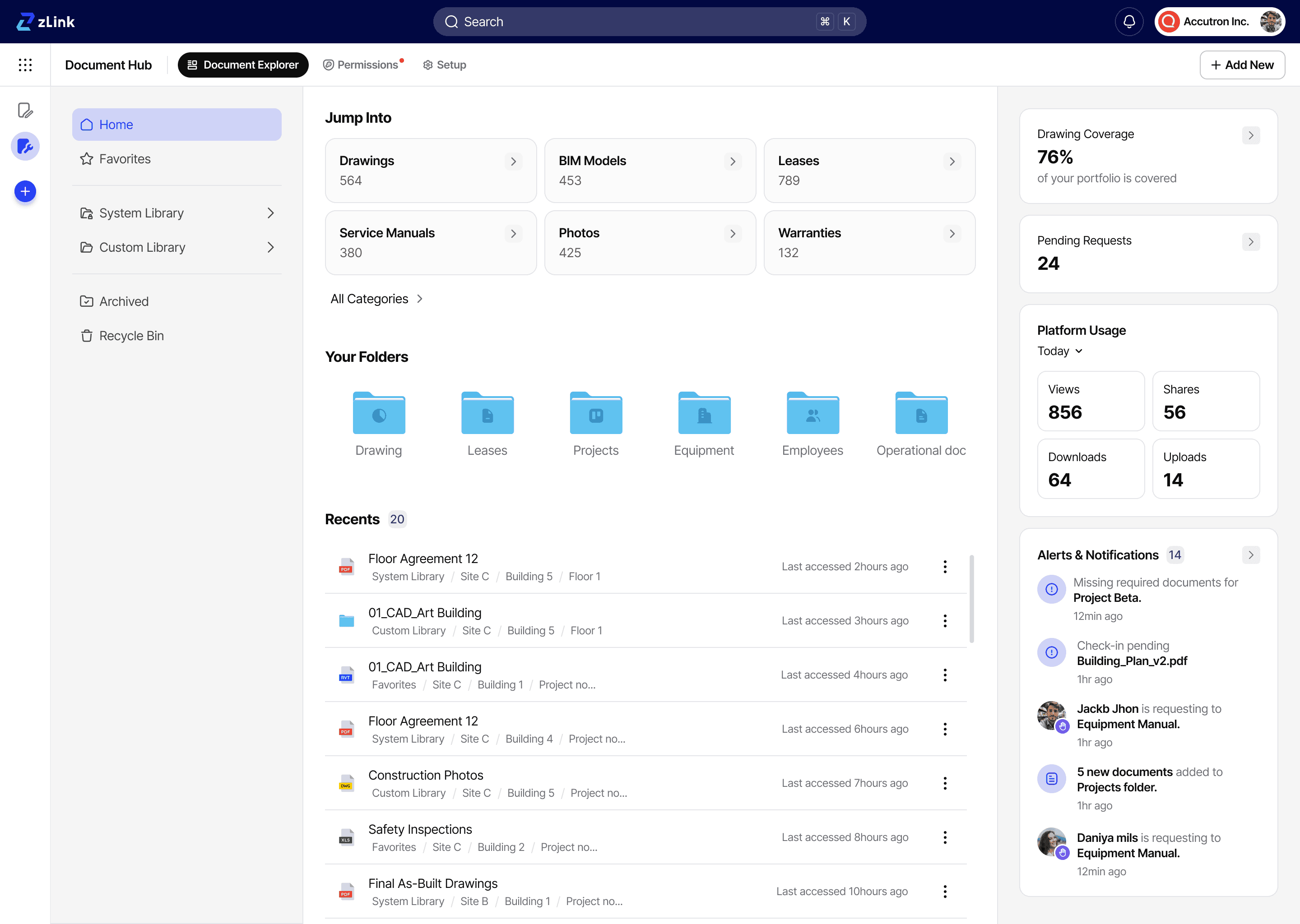
Impact
The business outcomes
“The design and user experience have been received very positively by our customers, and the recent demo feedback was outstanding, largely due to the exceptional UX design your team implemented. Your contribution has been truly commendable.”
Product Transformation
We laid the foundation for a modern, flexible platform that could finally compete in the market, which previously couldn't attract new customers. The design system and patterns we established enabled faster development of future modules while maintaining consistency.
Multiple deals closed with a single prototype
Our designs became a sales tool. Vantage successfully used our prototypes in customer demos, helping close deals and attract new customers.
Business problem
20 years of technical debt
After two decades of operation, Vantage's leadership recognized they needed change. The platform had been built reactively, developers adding features on the fly as customer needs surfaced. No designer involved. The result was a system that worked well enough for existing customers but couldn't attract new ones. This was a major sales concern for them.
A fragmented mobile user experience
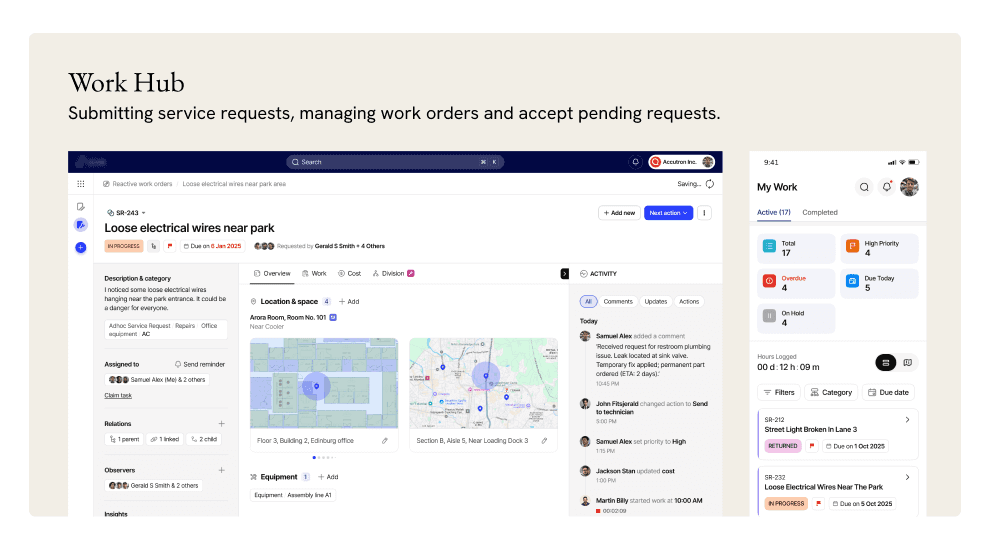
Vantage's functionality on mobile was fragmented across multiple stand-alone apps, each addressing a specific module. This forced users to switch between applications and manage multiple functions, leading to inefficiency, poor user experience, and reduced adoption in the field. That was our primary goal with this project and to do that, we started with one of the modules: Maintenance.
Solution
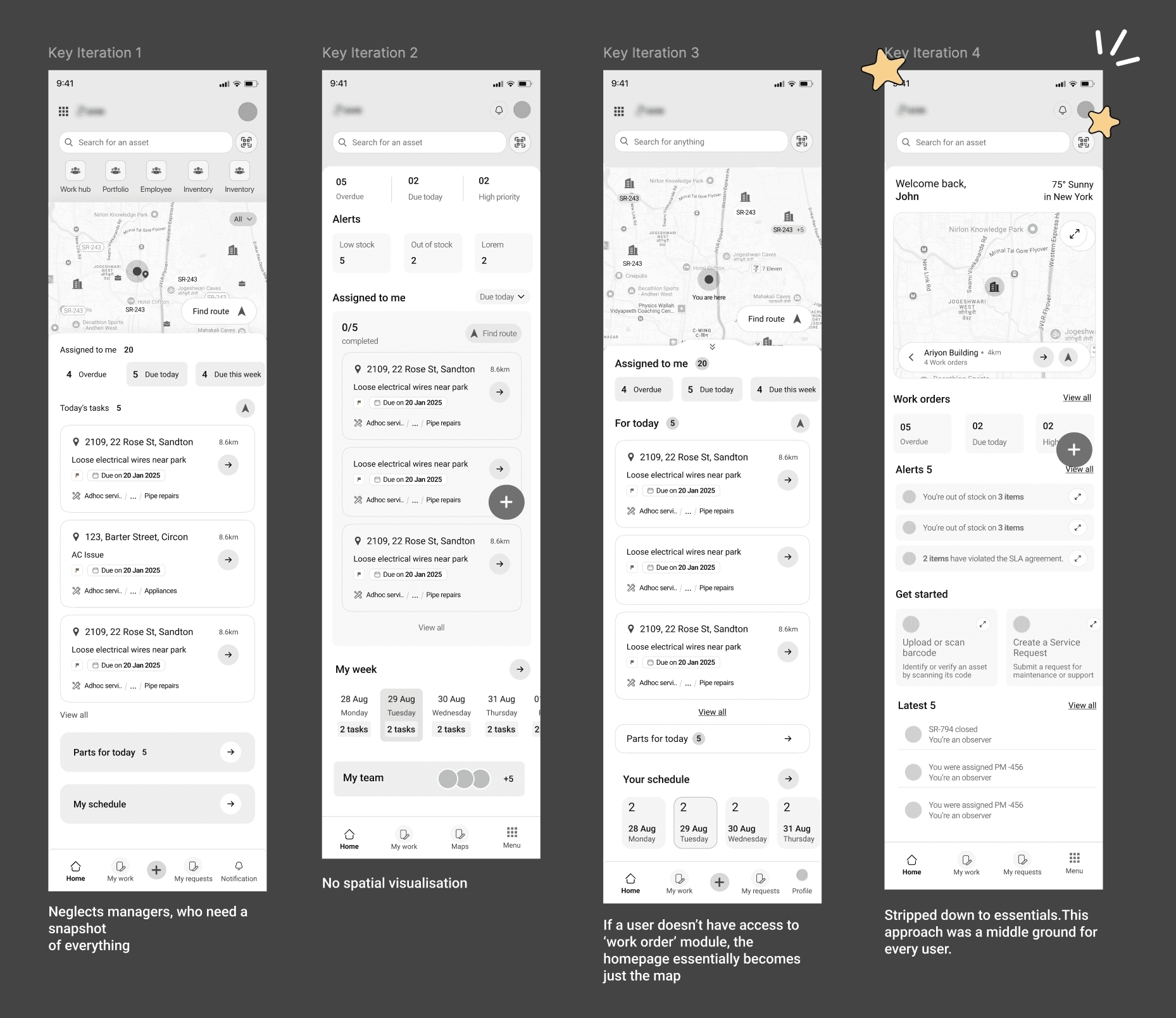
Challenge 1: A homepage that works for both techs and managers
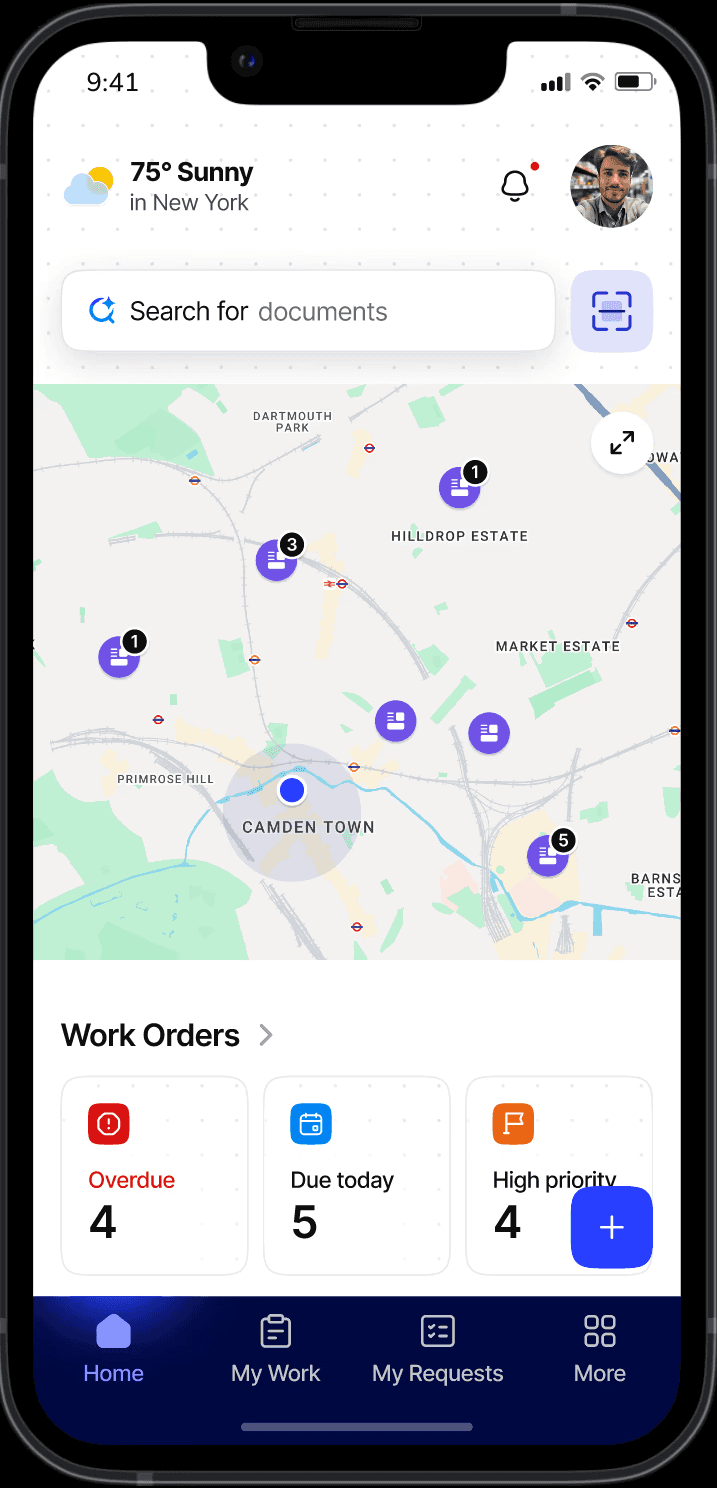
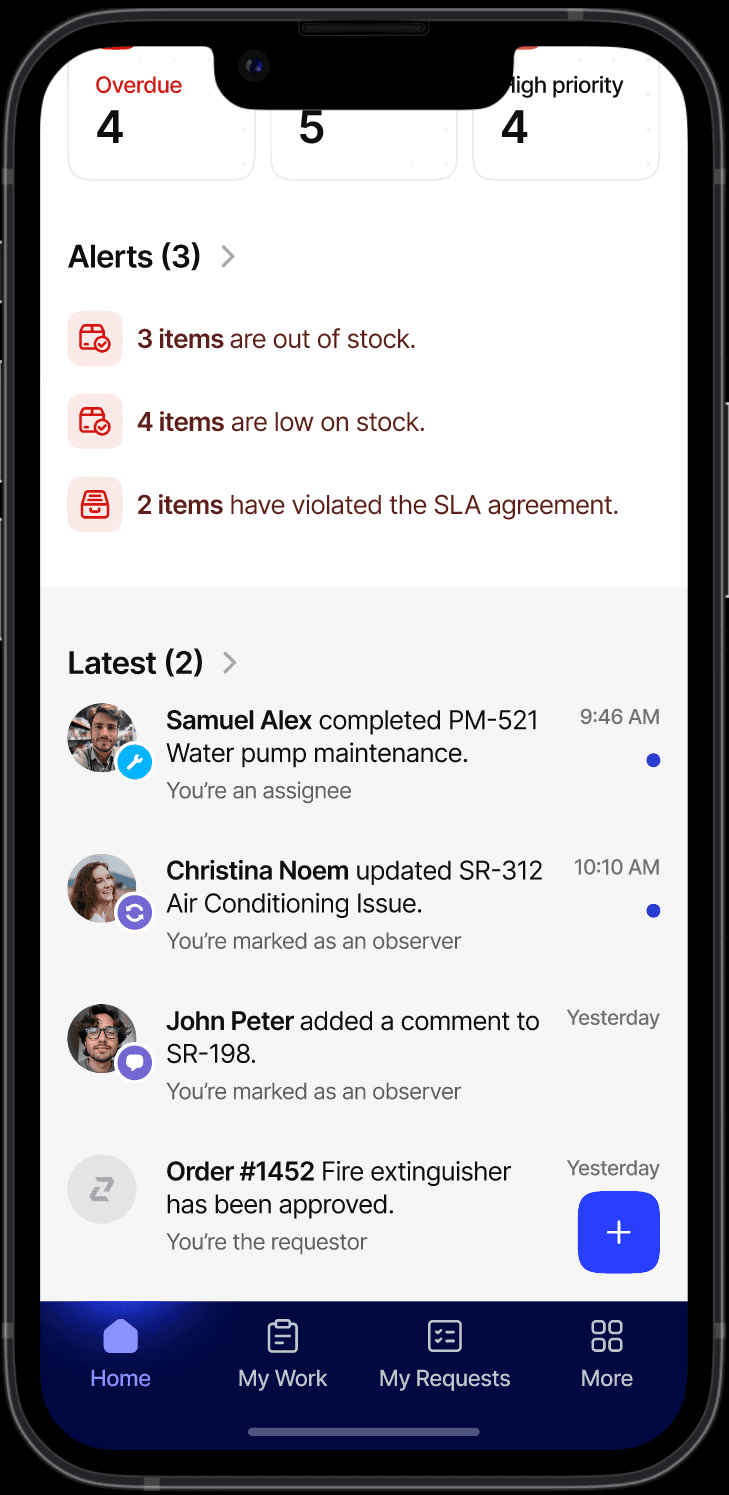
The homepage serves both technicians looking for their daily schedules and managers needing a bird's-eye view of team operations.
WHAT I DID
My first instinct was to pack everything techs need into one view, a single page that jump starts their day. But through iterations, stakeholder feedback and considering multiple user roles and privileges, I realized simplicity would serve multiple user roles better.
FINAL TAKE
In the version that clicked, the homepage became a launch pad, not a dashboard. Users could get oriented quickly and dive into what they need without cognitive overload. The simplicity accommodated multiple users and worked best considering different user privilege.
KEY DECISION
The trade-off I made knowingly
Technicians now take one extra step to reach their work orders. That friction is real. In a future iteration I'd explore role-based homepage modules, a lightweight "your day" card for technicians that doesn't compromise the experience for other roles.
The early version put work orders and map navigation front and centre, enabling technicians to start their route directly from the homepage. But a homepage that assumed work order access broke entirely for users without that module — it would collapse into just a map with no clear next action. And a dashboard dense enough to serve managers would overwhelm technicians who just needed to get moving.
The decision I landed on was a deliberate middle ground.
Challenge 2: Role based views and navigation
PROBLEM
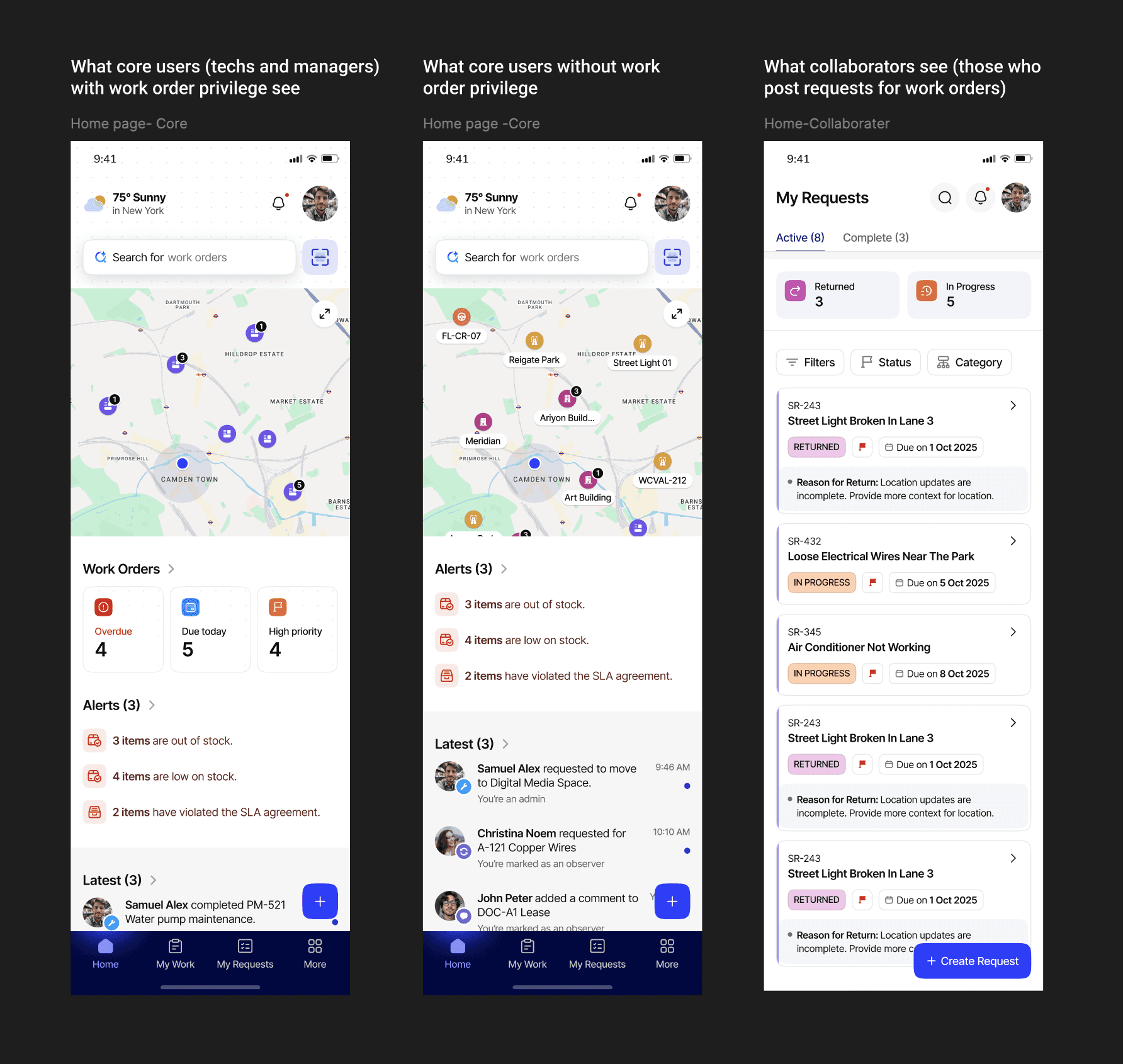
Vantage handled multiple user roles (core and collaborator) with privileges varying from user to user. Layout and navigation had to accomodate this variability.
WHAT I DID
Designed adaptive navigation that shifted based on role and permissions
WHY THIS WORKS
Users see only what's relevant to them, reducing complexity while maintaining flexibility. The system scales from single-building technicians to portfolio-wide managers without requiring different apps or interfaces.
Constraints
Designing for variability

We were designing for field technicians, but our insights came from stakeholders, not the field. This meant leaning on heuristic evaluation, industry patterns, and challenging stakeholder assumptions to ensure we weren't just building what was asked for, but what might actually work.
Module-by-module approach vs. holistic thinking
Redesigning one module at a time with limited scope meant the big picture sometimes took a backseat. I had to balance:
Competing stakeholder visions
Multiple stakeholders had different ideas about who the users were and what problems the product should solve.
To ensure a clear direction, I brought everyone into the same room to hash things out sometimes whiteboarding solutions on the spot to reach alignment before moving forward.
My role
Leading UX strategy and execution
I led this project as the point of contact, the bridge between client stakeholders and our design team. On the design side, this meant defining UX strategy, sketching and wireframing solutions while guiding junior designers through problems.
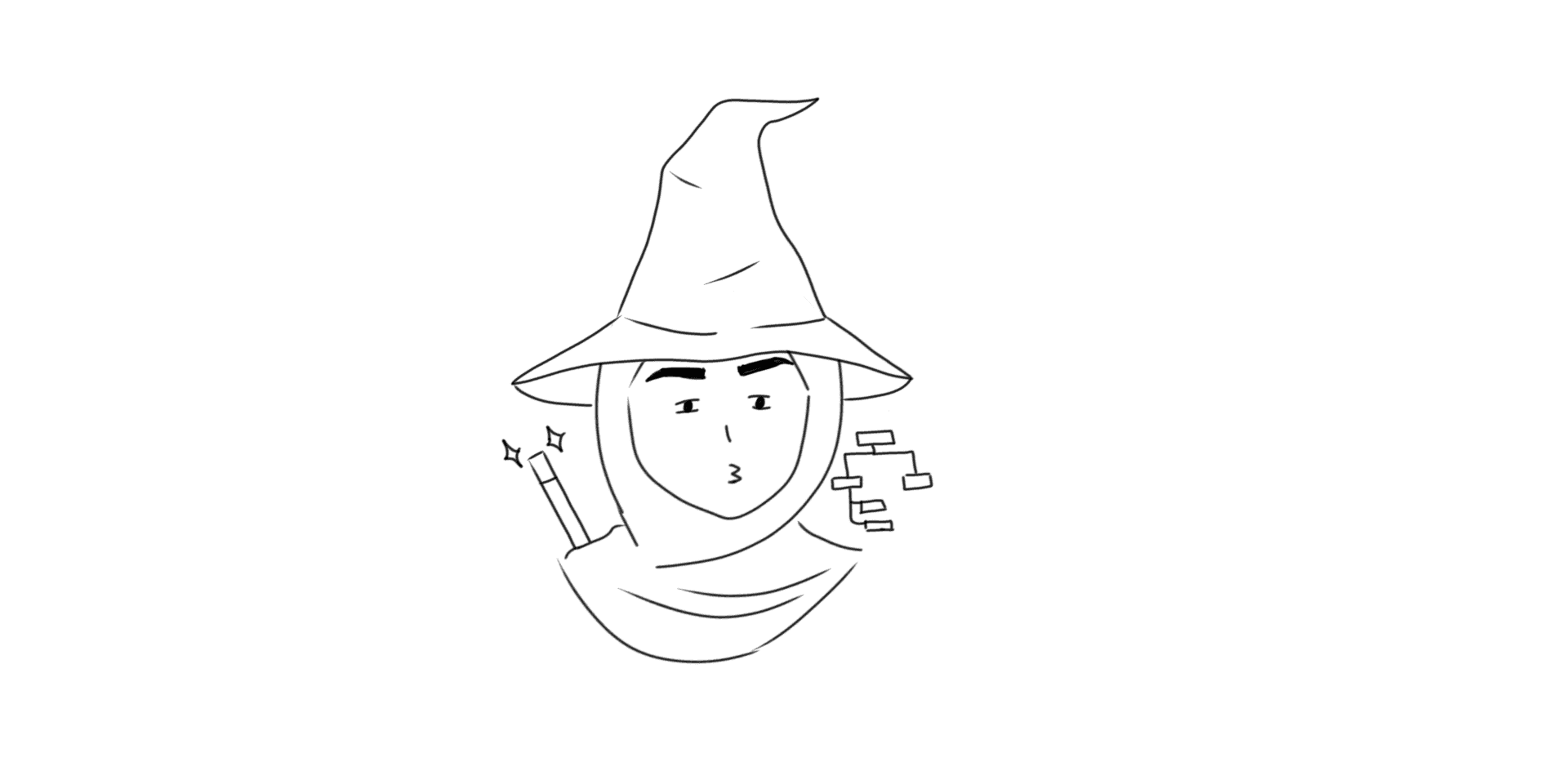
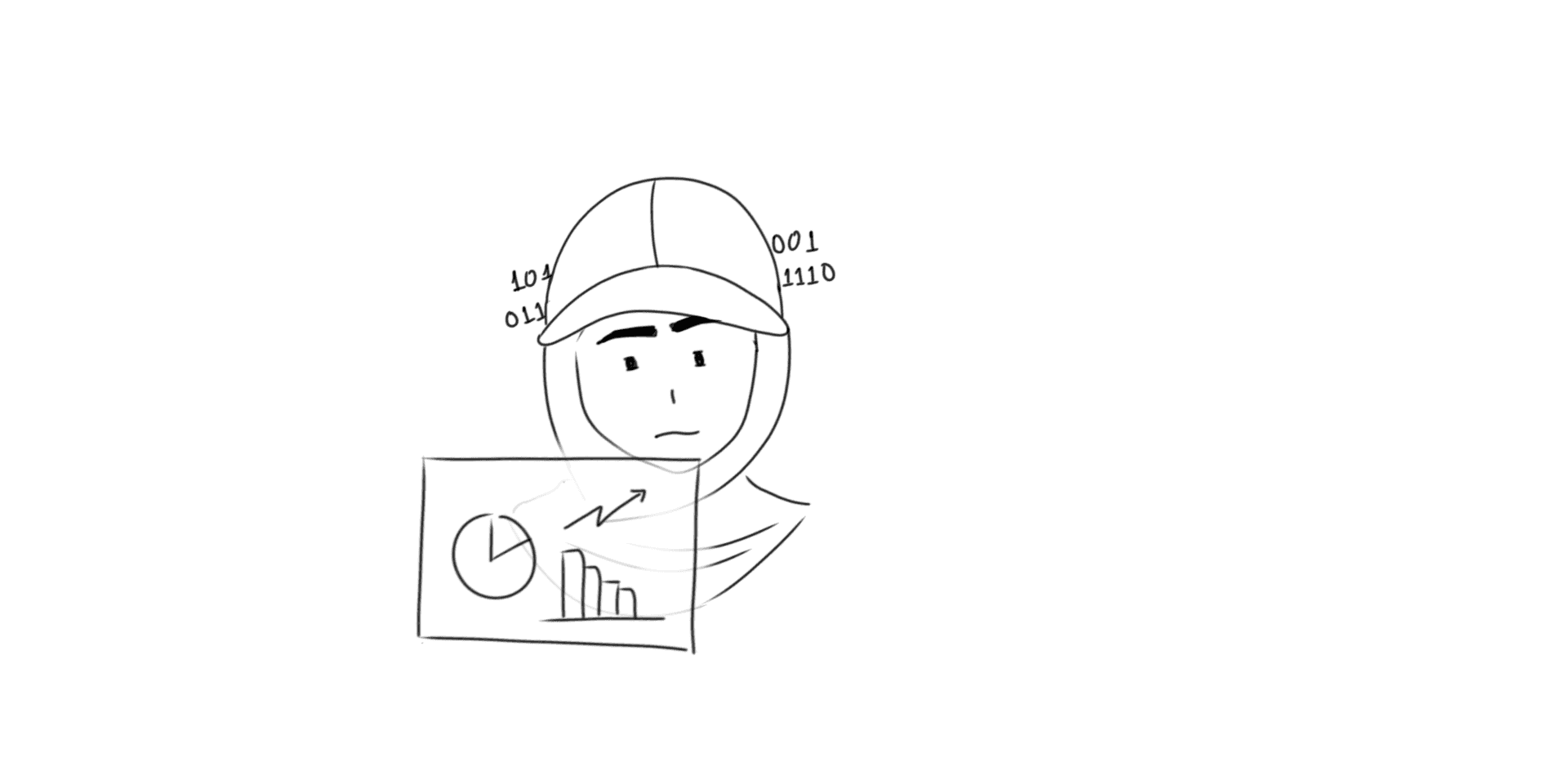
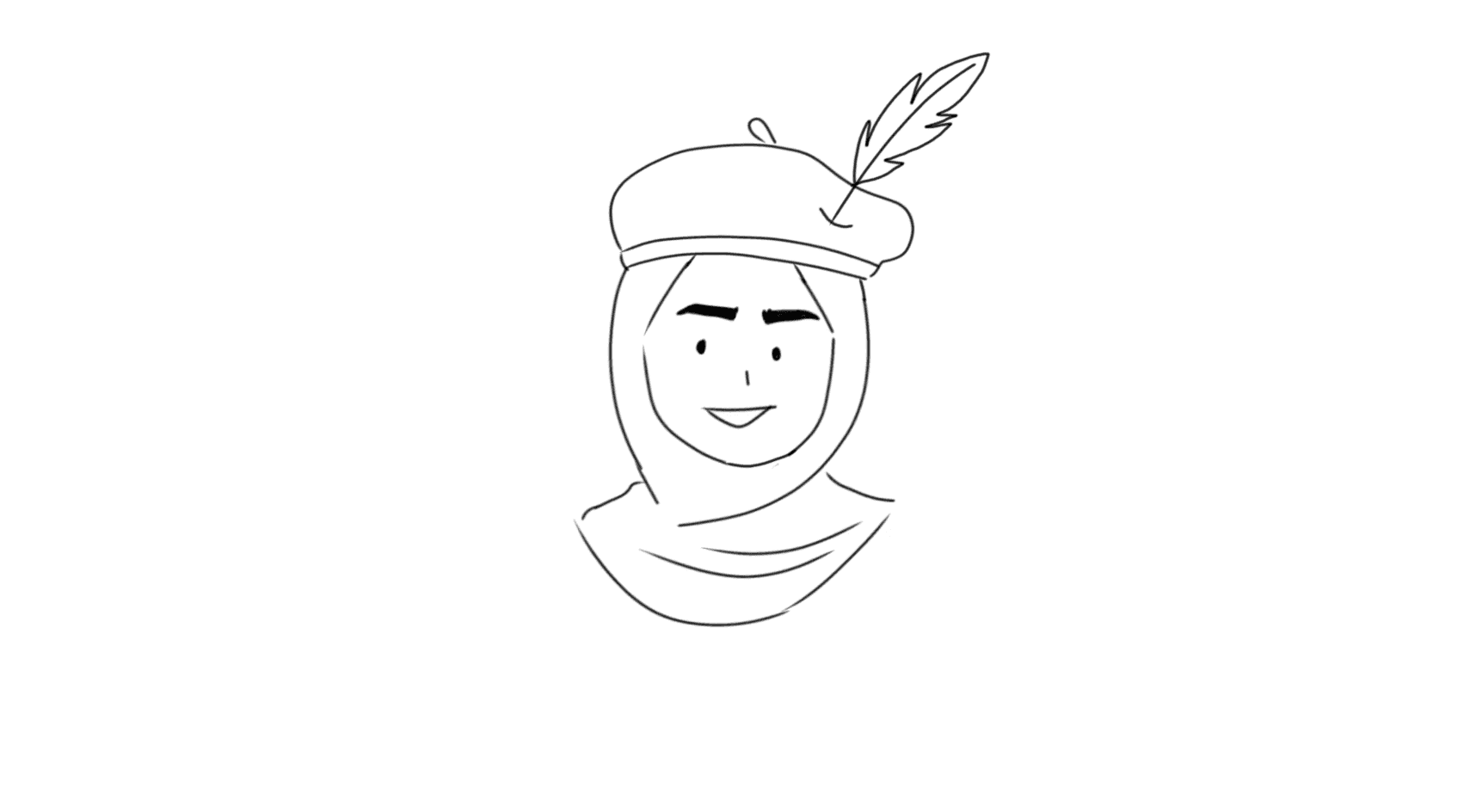
Meanwhile on the other side, I was aligning competing visions, pitching features, and occasionally white-boarding solutions on the spot when lack of direction threatened progress. All the while keeping everything on track to ship.
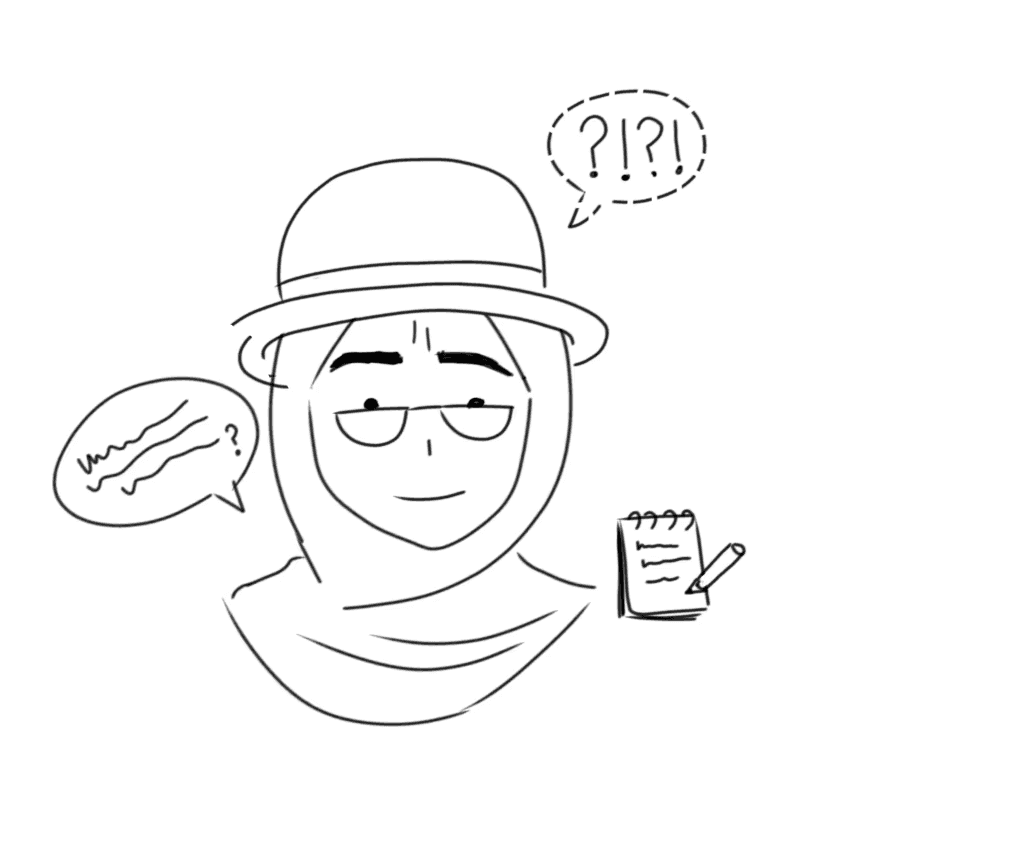
Technical lead, Vantage
After delivering the first module, the client specifically requested my team continue on subsequent projects. I was recognized internally for my contributions to this engagement.
Learning
What I learned
Fake it till you make it
I started this project with borrowed confidence, modeling myself after a coworker I admired for her composure and professionalism. I acted like I knew what I was doing, presented ideas with certainty, and advocated for my design decisions.
Eventually, the confidence became real, built on accumulated small wins and stakeholder trust. This shift changed how I was perceived and I believe that this will be one of the major skills I take away from this year of my career.
Stakeholder alignment is a design skill
I learned that managing conflicting perspectives isn't about picking sides. It meant creating space for disagreement early (better in a meeting than in Figma comments later), resolving them as a team, making tradeoffs transparent (we can't do both/this idea won't scale, here's why) and clear, cleaarr communication.